With thousands of unique values, monitoring SNMP can be anything but simple. That's why it's crucial to choose an SNMP monitoring tool that can monitor and alert about those values in a comprehensive manner. But what if a monitoring solution that your team has used for years begins to change for the worse? When the cost of your monitoring solution rises or the licensing plan changes, it's important to know when to start looking for a new tool.
SolarWinds and the Search for SNMP Monitoring Alternatives
Ever since the data breach that affected SolarWinds in 2020, some of their users have started to transition away from using their services. In 2025, SolarWinds was acquired by a private equity firm and its prices began to increase. They phased out their perpetual licenses in favor of a hefty subscription fee.
These recent changes have some users considering new solutions. Sometimes a monitoring solution that once did everything your organization needed becomes prohibitively expensive, adds a paywall to an important feature, or starts to lack in security or support. With other solutions available, why put up with such changes? For those searching for a new SNMP monitoring solution, this article introduces EasySNMP's recommended alternative to SolarWinds, FrameFlow IT Monitoring.
FrameFlow: Comprehensive Network Monitoring
Whether you're an SNMP pro or a beginner, FrameFlow has you covered. FrameFlow can hide the complicated details about MIBs, OIDs, and symbolic names to show only the network metrics you need. Just choose the thresholds that will trigger an alert about your systems and then FrameFlow will continuously monitor the values you choose, alerting you whenever something exceeds a limit.
Built-In SNMP Browser Capabilities
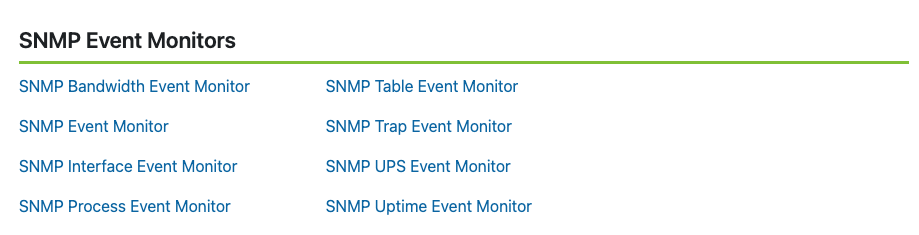
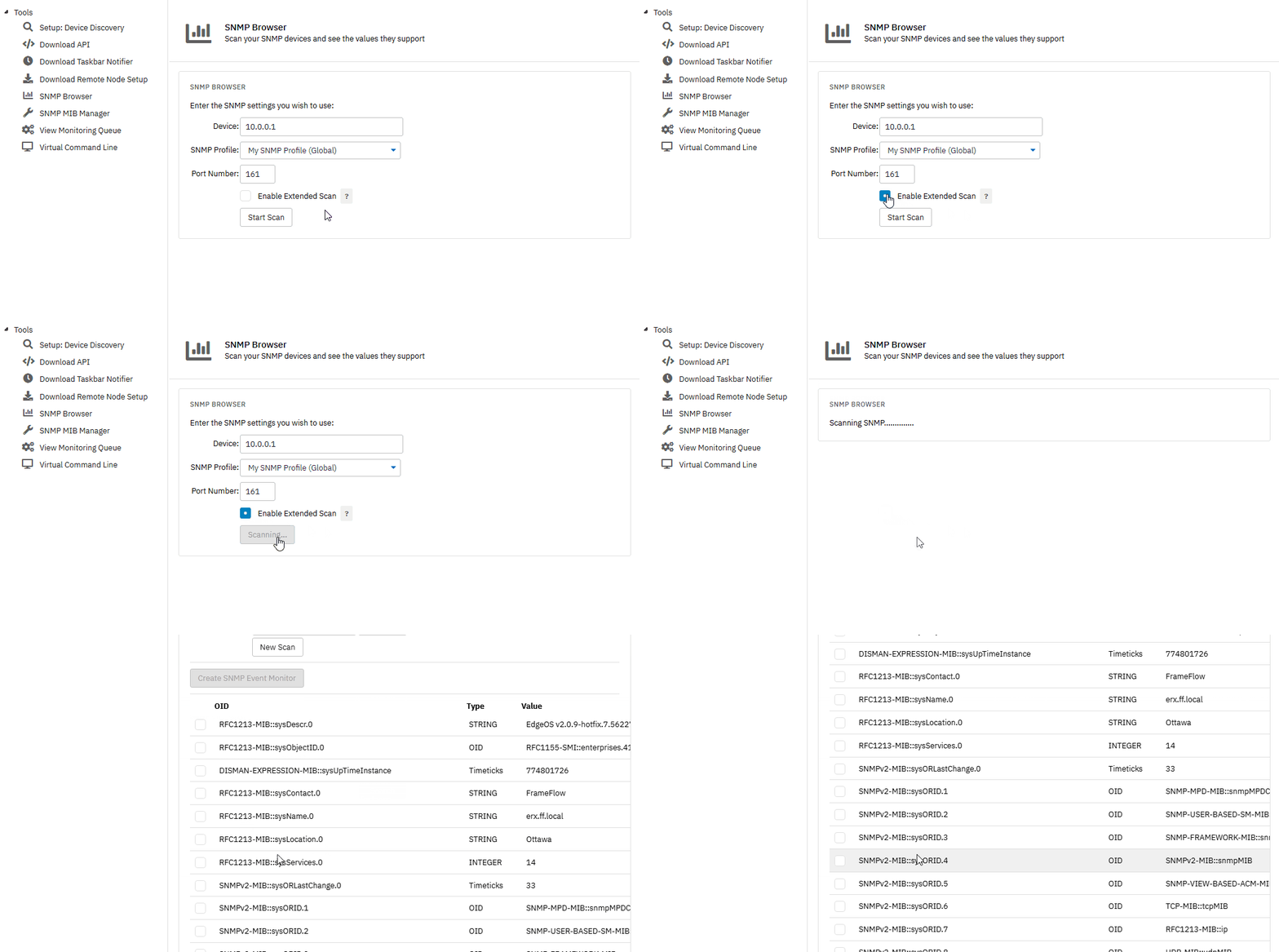
For seasoned SNMP users, FrameFlow's integrated SNMP browser lets you scan all SNMP-enabled devices on your network and view all supported values. From there, you can choose the values that you want to monitor and create a custom SNMP Event Monitor in just a few seconds. You can even apply the same checks to multiple devices, giving you an easy way to monitor values across a wide range of similar devices. Let's explore some of FrameFlow's SNMP event monitors.
SNMP Bandwidth Monitoring
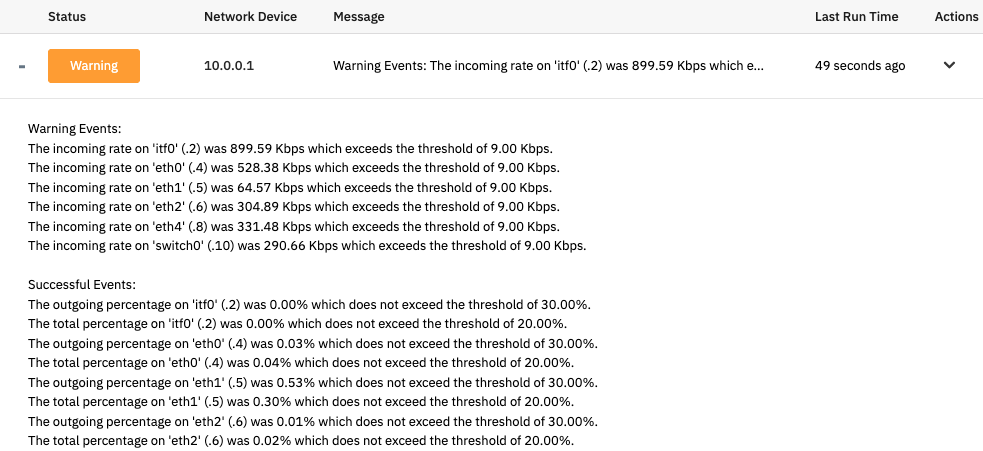
It's easy to keep an eye on network bandwidth around the clock with FrameFlow's dedicated SNMP Bandwidth Event Monitor. With options to alert on incoming, outgoing, and total bandwidth rates, you can use this event monitor to keep bandwidth rates in check across your entire network. You can also monitor bandwidth by percentage for all interfaces.
SNMP Interface Monitoring with FrameFlow
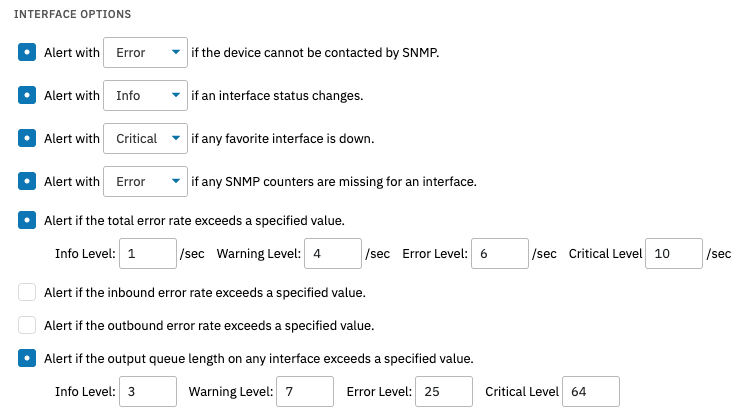
Monitoring your SNMP interfaces can be complex, but it doesn't have to be. FrameFlow has an event monitor that you can customize to send alerts about several key interface metrics. The event monitor can send real-time alerts about interface status changes, SNMP counters, total error rate, and more. You can also receive alerts about the rate of inbound and outbound packets and discards per second with this monitor. You can even separately monitor interfaces you've marked as favorite under custom alerting parameters, allowing you to fine-tune your monitoring to fit your unique environment.
FrameFlow's SNMP Library
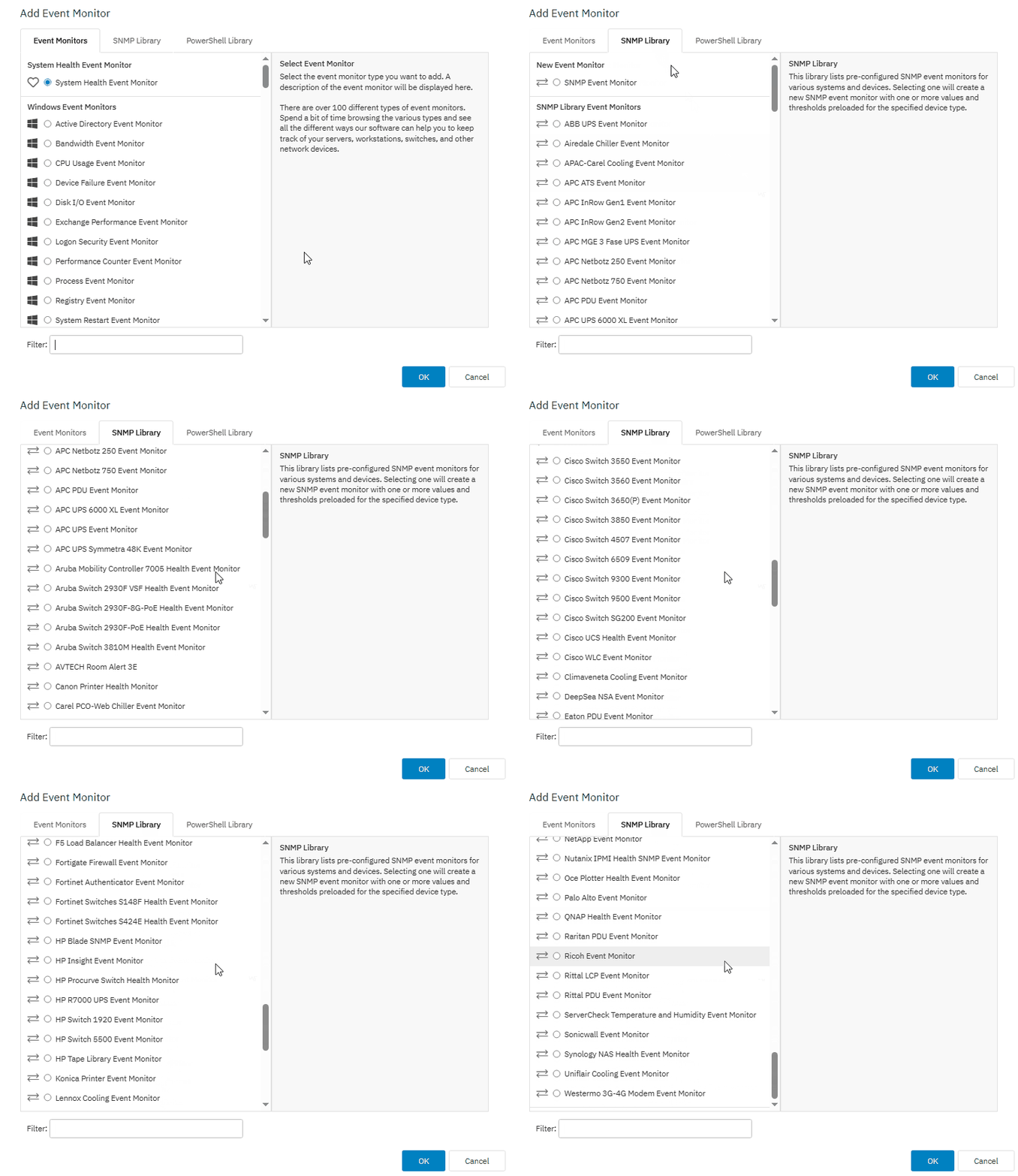
FrameFlow's SNMP library has 50+ pre-configured SNMP event monitors for various systems and devices. You can monitor your networking gear with the pre-configured settings or change them to best suit your needs.
Network Visualization: Network Diagrams for SNMP Monitoring
When it comes to your network, visualization is key. FrameFlow's network diagram tool lets you drag and drop icons and indicator lines to create a 1:1 representation of your network. Each icon represents a device in your network and the color changes to indicate the device's alert status.
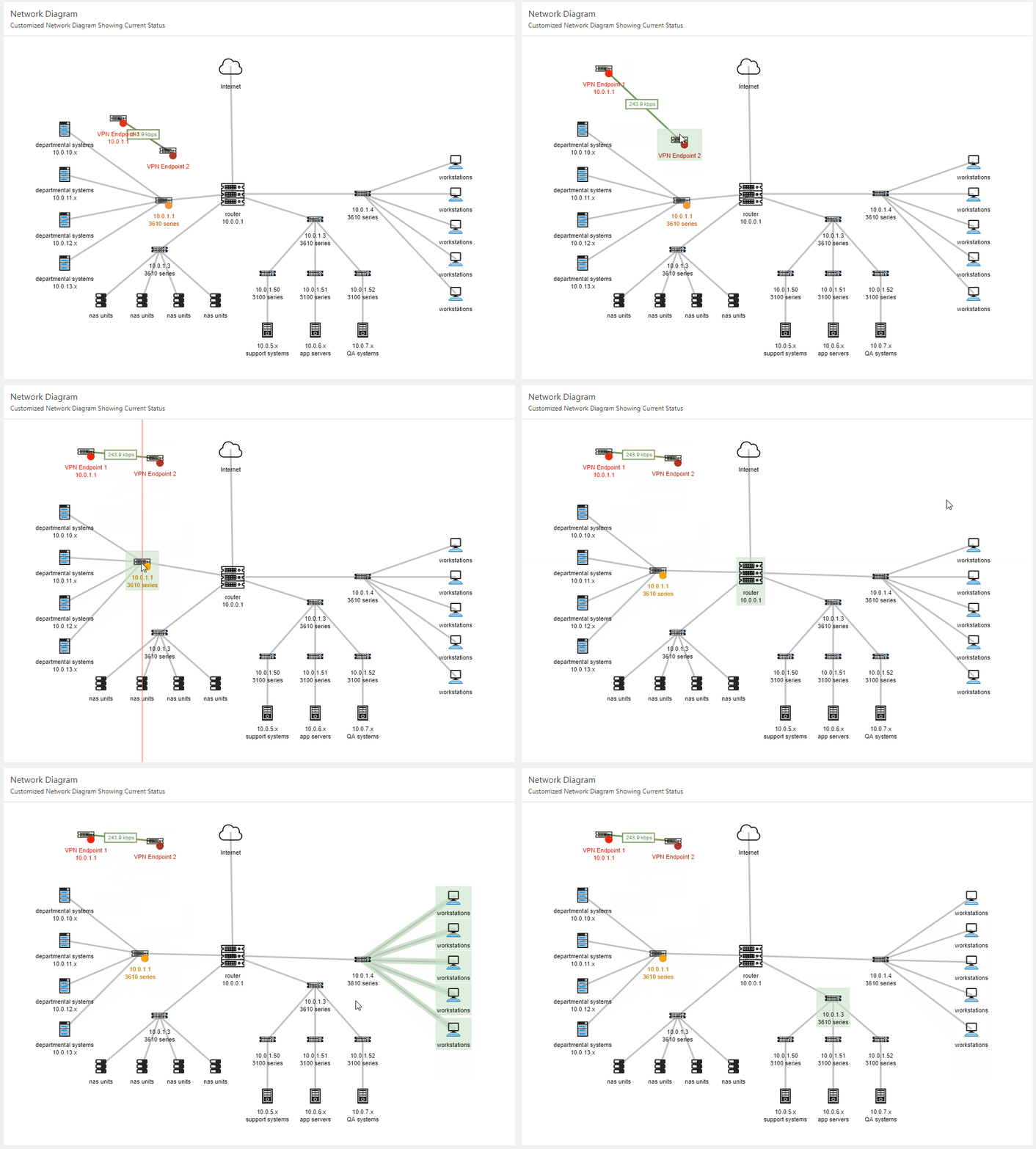
With just a few points and clicks, you can create a diagram that represents your key systems. After creating a network diagram, you can display it to see updates on the statuses of your most important devices in real time. If a device has an alert, you can click on its icon in the network diagram to view the device and investigate the source of the alert.
SNMP Monitoring and More
FrameFlow's IT monitoring software can do much more than just SNMP monitoring tasks. With over 100 event monitors covering server monitoring, system health, website monitoring, and more, FrameFlow has the tools to monitor your entire enterprise. From small startups to organizations with multiple locations and thousands of devices, the software can scale to meet your monitoring requirements. FrameFlow's pricing is clear and you can view it on the FrameFlow website without setting up a sales call.
Unlike other solutions that lack a cohesive user interface, FrameFlow's UI is simple and easy to learn. You can even create custom monitoring actions with PowerShell that integrate seamlessly into FrameFlow's alerting engine. You can learn more about FrameFlow's flagship features at www.frameflow.com.
FrameFlow's 5-Year Price Control Guarantee
FrameFlow has a 5-year price control guarantee that ensures no surprise cost increases for 5 years, helping your team effectively budget for the future. With a perpetual license, your support and renewal costs won't change for 5 years guaranteed. If you choose a subscription license, your monthly or annual fees won't increase for 5 years.
Summary
If it's time for you to switch to a new IT monitoring solution, you can give FrameFlow a try for 30 days totally free of charge. You'll be able to try all the SNMP monitoring features mentioned here alongside over 100 other specialized event monitors. You'll have no mandatory sales calls, no paywalled features, and no obligations, just 30 days to assess if it's time to make the switch.
